Up to 90%
Less manual clipping time
Automated highlight discovery, reusable layouts, and batch workflows reduce repetitive work.
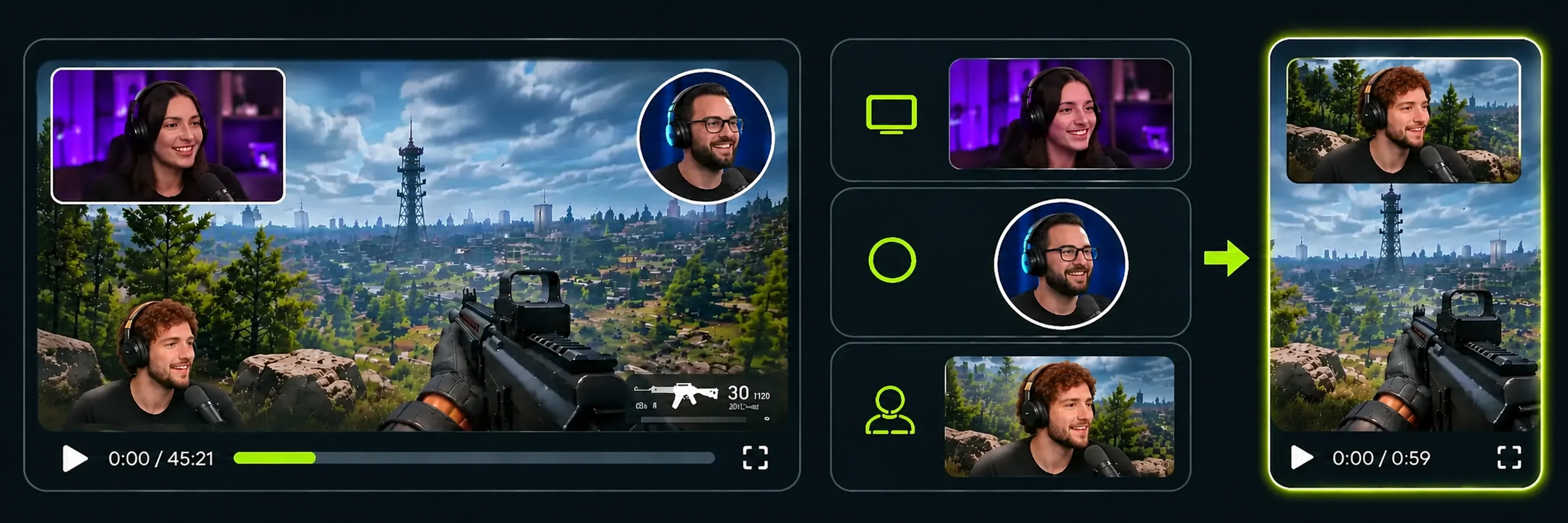
Find the best moments, build custom vertical layouts, and export ready-to-post clips for Shorts, TikTok, Reels, and YouTube.
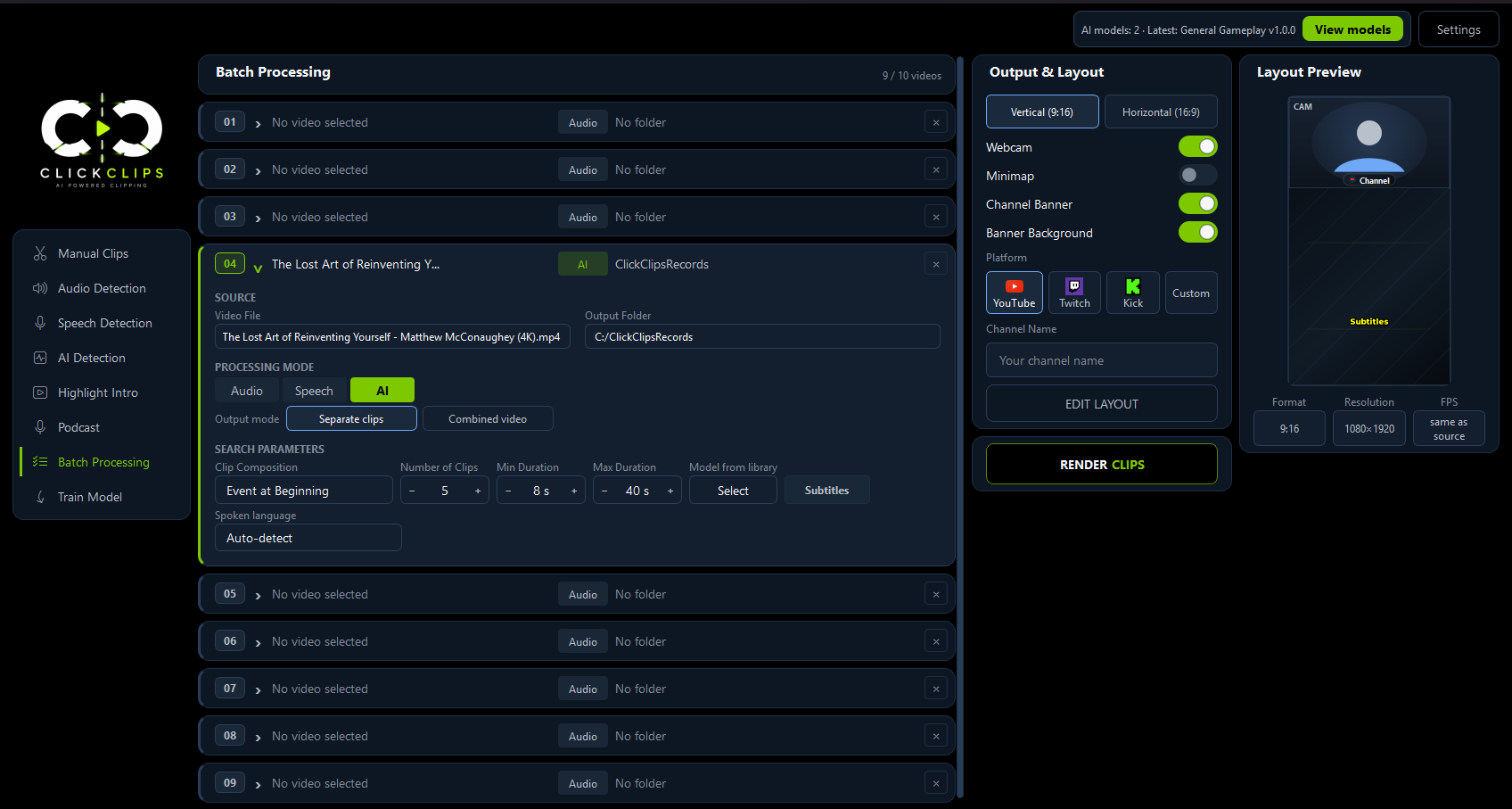
Import your video, select the moment, adjust the framing, and preview the result before exporting. All in one desktop app, without complicated editing.
Bring in your gameplay, stream recording, or other long-form footage.
Select the moment and position gameplay, webcam, and minimap using the available layout controls.
Check the composition before rendering your final clip.
Turn long recordings into clips faster, without paying for processing minutes, credits, or every additional export.
Automated highlight discovery, reusable layouts, and batch workflows reduce repetitive work.
No cloud credits. No processing quotas. No server queues. Just your PC and ClickClips.
Build your own vertical layouts with gameplay, webcam, minimap, and up to four additional cropped regions. Customize your branding, save your layouts, and reuse them across recordings.
Available in Pro & Max
Bring additional details from your source footage into your vertical clips.
Automatically detect webcam and minimap areas, or select them yourself.
Personalize your hooks and channel branding with custom fonts, colors, and positioning.
Save your layouts once and apply them to future recordings, including Batch Processing.
Skip hours of manual searching. Discover potential highlights through audio peaks, spoken keywords, or AI-powered analysis.
Find exciting moments through audio peaks. Ideal for gameplay recordings without a microphone or webcam.
Pro & MaxFind highlights when specific words or phrases are spoken. Create your keyword list and let ClickClips find the matches.
Pro & Max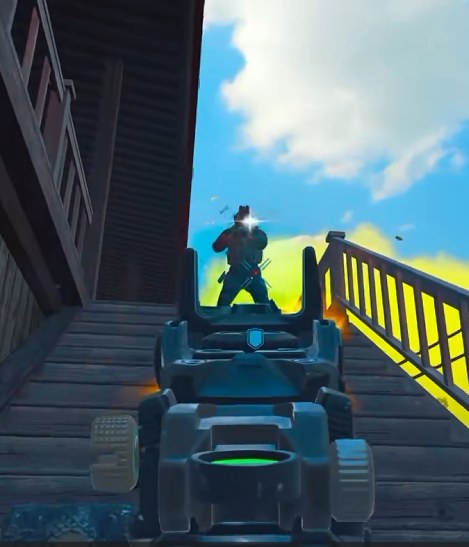
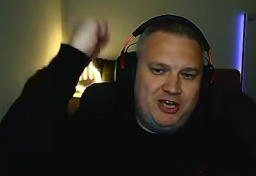
Use built-in AI models for supported games, or teach AI to recognize the moments that matter to you.
Combines gameplay activity, streamer reactions, speech, and audio signals to identify potential highlights.
MaxGo beyond highlight detection. Process multiple recordings, create podcast clips, add subtitles, and automate more of your workflow.
Queue multiple recordings, reuse your layouts, and create up to 500 clips in a single batch.
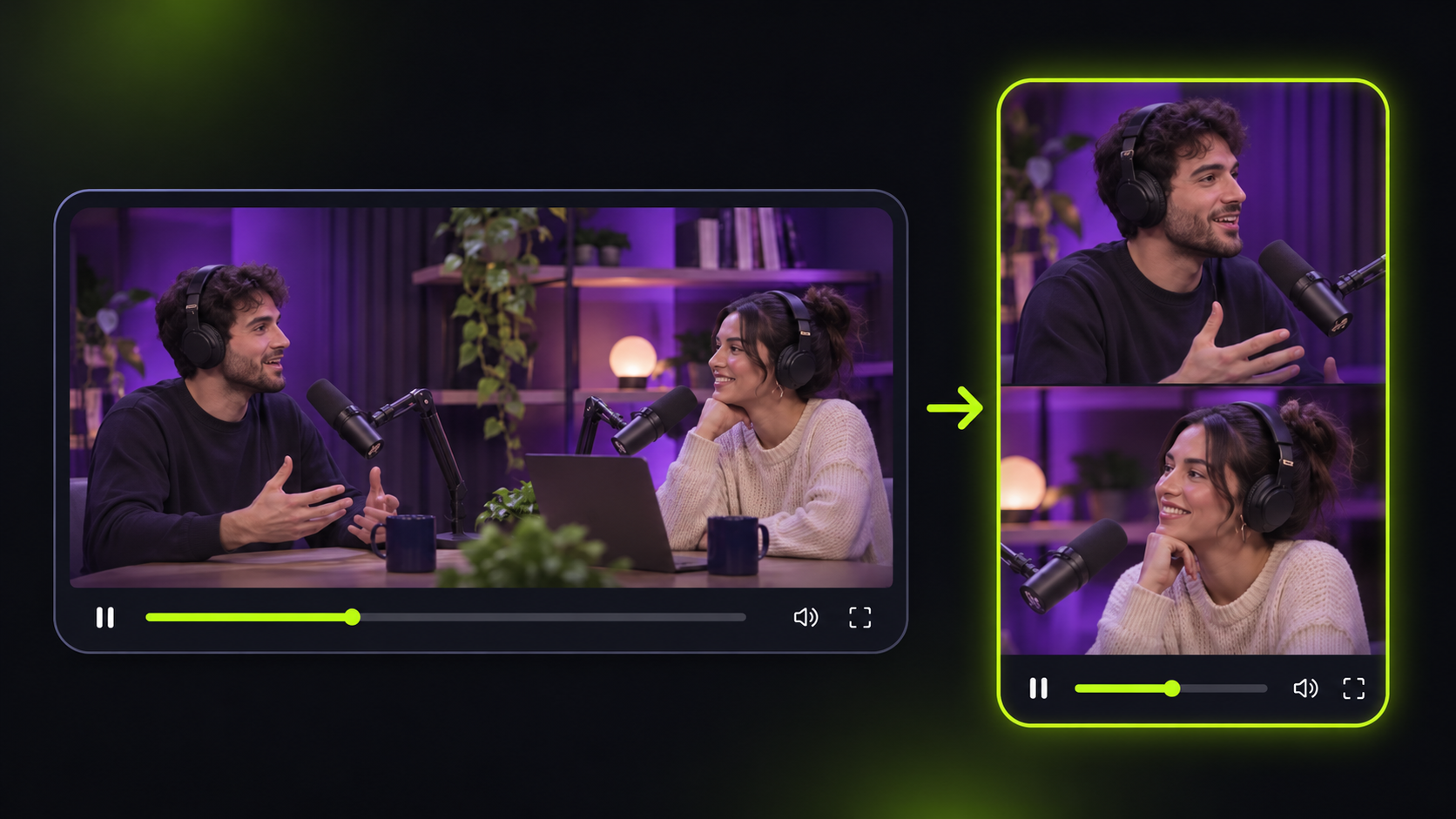
Turn long conversations into vertical clips with automatic speaker-aware framing. Keep both speakers in view or focus on a single speaker when appropriate.
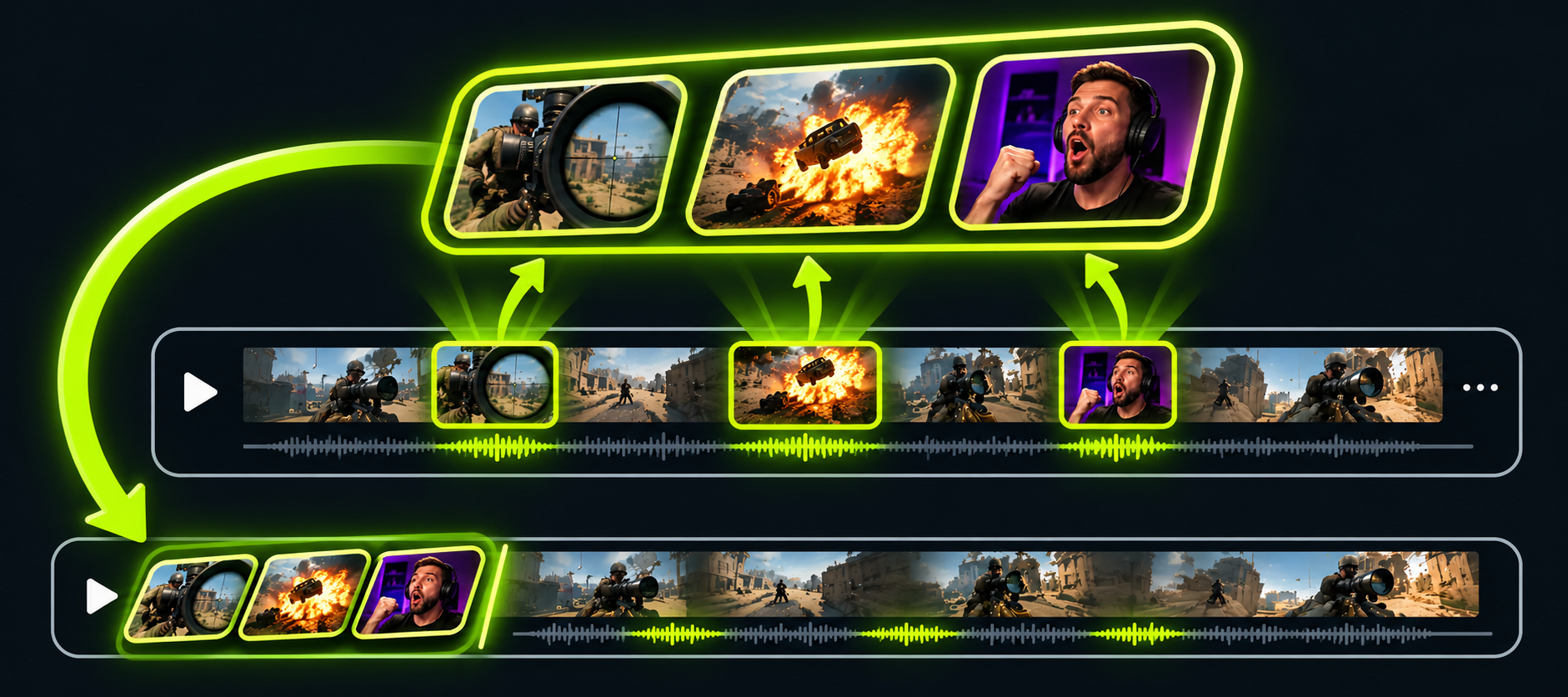
Create an attention-grabbing intro by bringing selected highlights to the beginning of your video. Give viewers a preview of the most exciting moments before the main recording starts.
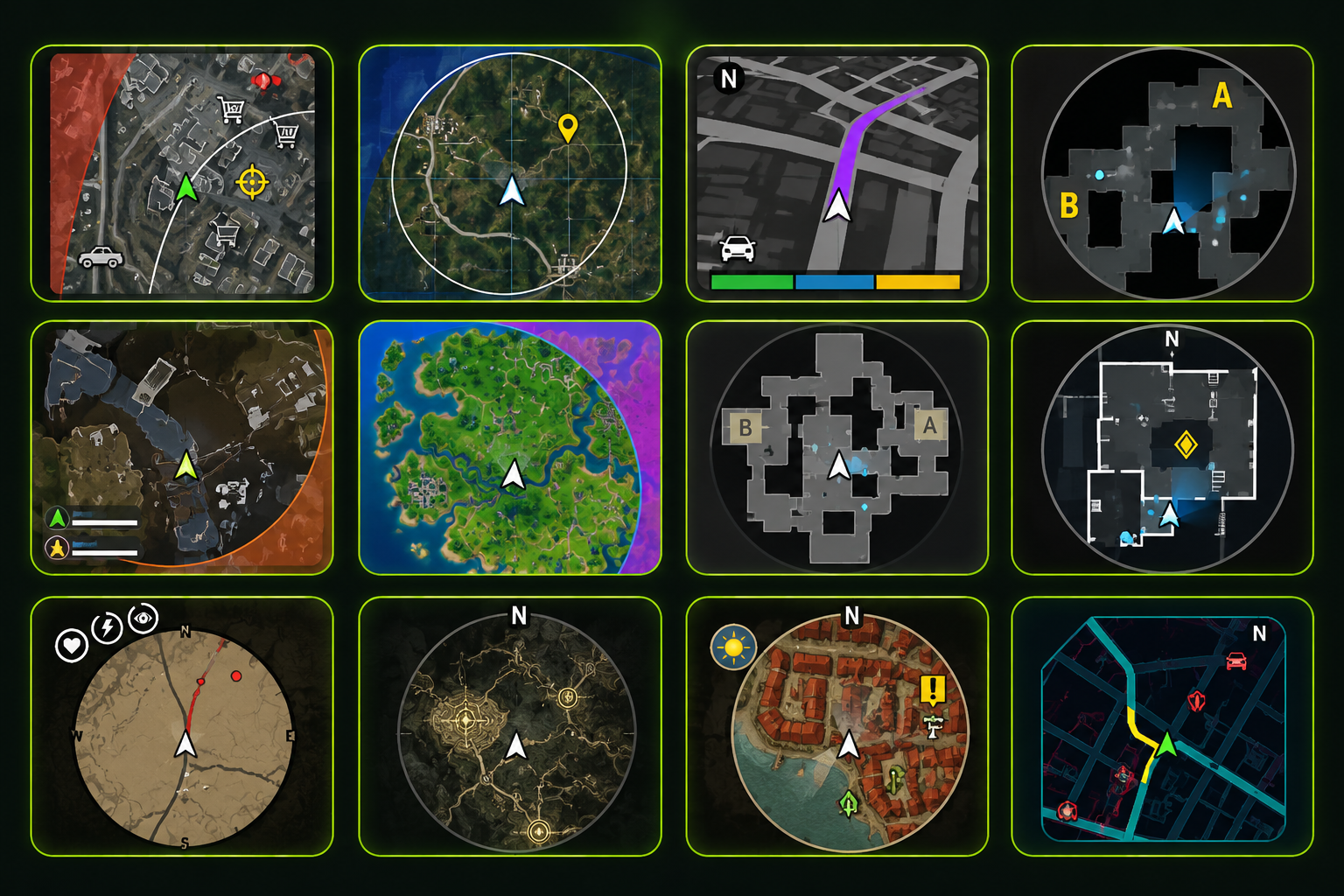
Automatically locate minimap regions in supported games and bring them into your vertical clip layouts with less manual setup.
Automatically detect webcam regions in different positions and shapes, including rectangular, circular, and chroma-key webcam layouts. Spend less time manually locating and cropping your camera.
Generate customizable subtitles for supported clipping workflows and make your videos easier to follow, even without sound.
You've seen what ClickClips can do. Now find the plan that fits how you create.
"I'm just getting started."
I want to turn my long videos into short clips and see how it all works. I'm not ready to pay for editing tools, and I don't want to sign up, share my email, or enter my card details. I just want to download something free and start creating.
Free forever. No registration, email, card, subscription, or watermark.
Start with Free"I just want to find my best moments faster."
I record gameplay, sometimes without a webcam or commentary. I don't want to sit through hours of footage looking for good moments. Finding them through audio peaks or spoken keywords sounds like exactly what I need. I want to save time without paying for extra AI tools I won't use.
Explore Pro"I want to spend less time editing and more time creating."
I create gaming videos, streams, or podcasts, and I have plenty of recordings to work through. I want AI to help find the interesting moments, add subtitles, and process multiple videos without repeating the same steps over and over. I'd rather focus on making content than sorting through footage.
Explore MaxSee how ClickClips handles long recordings, real games, and the moments creators actually want to keep.
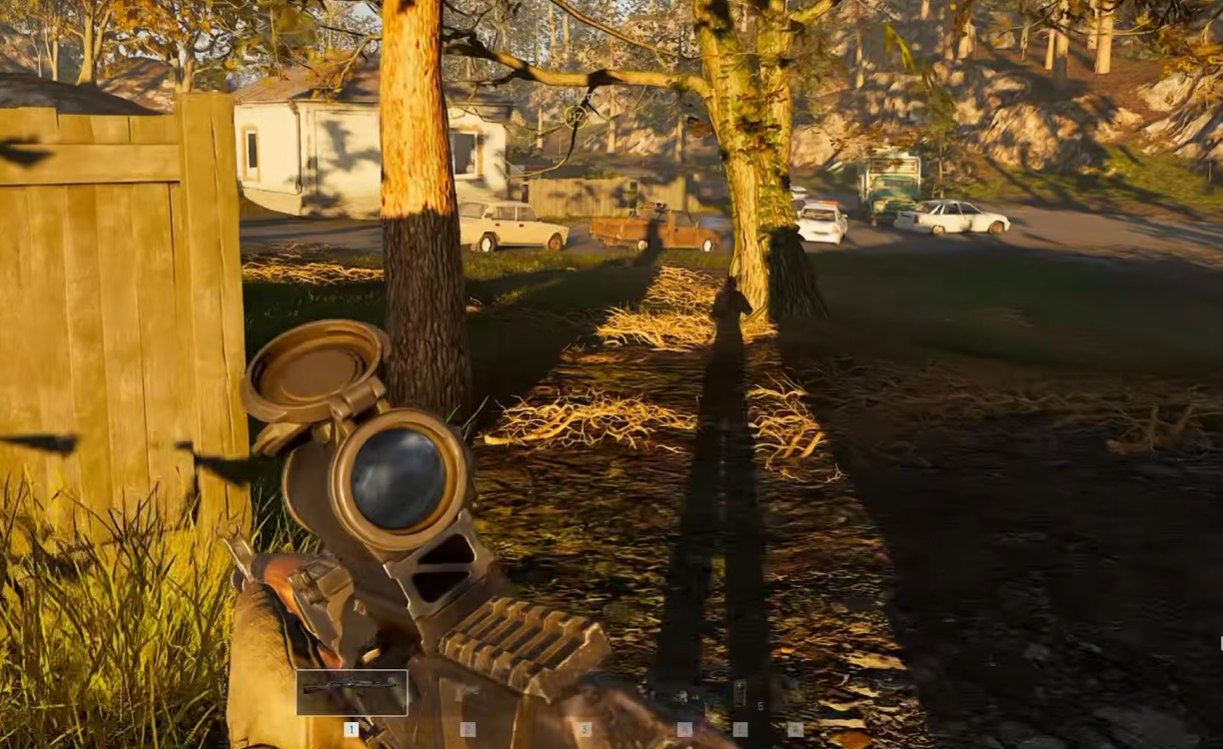
A real stream test covering moment detection, webcam and minimap layouts, rendering, and final clip quality.
Read the test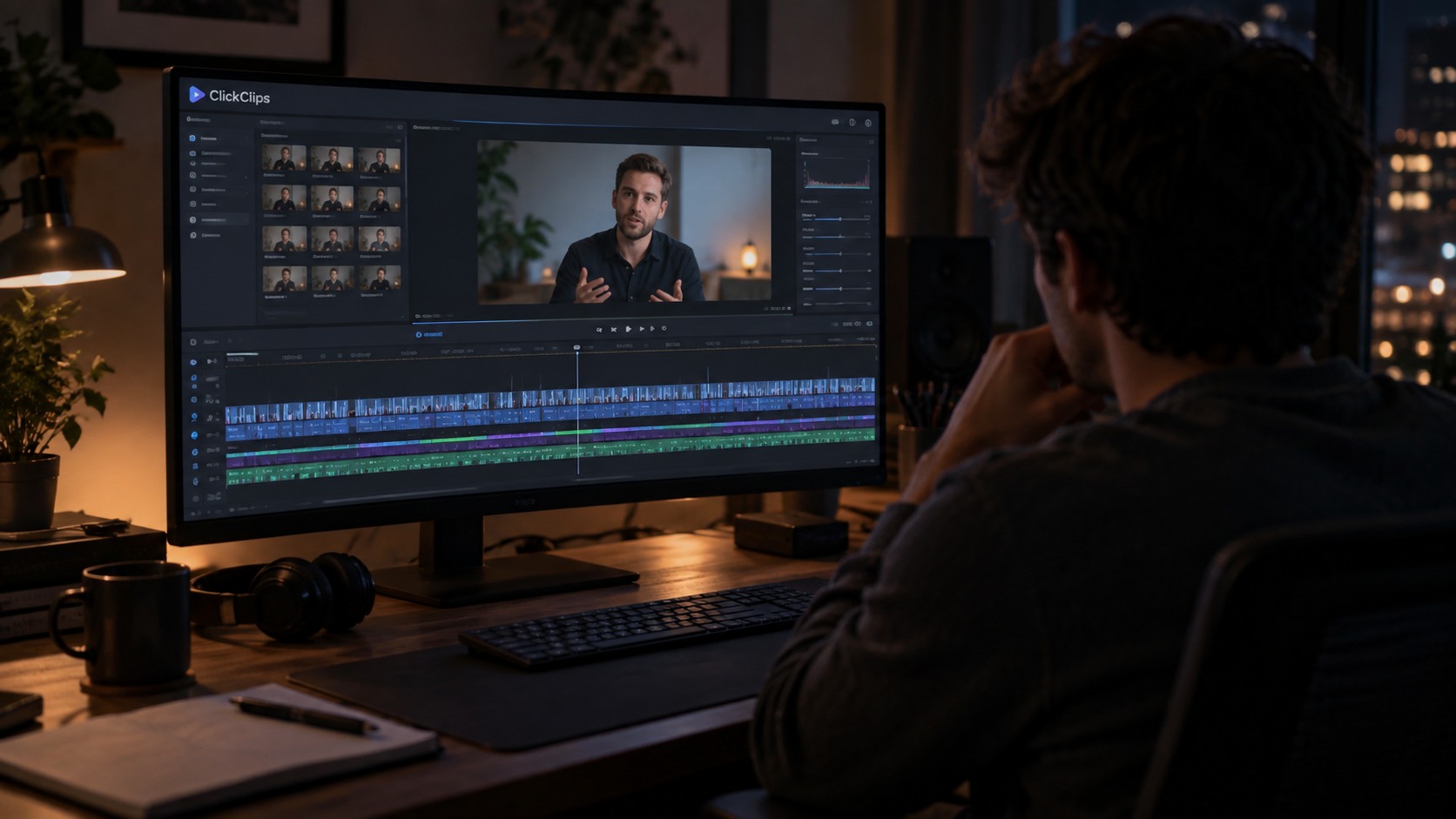
Find useful moments, queue long recordings, review the candidates, and export without living on a timeline.
Read the guide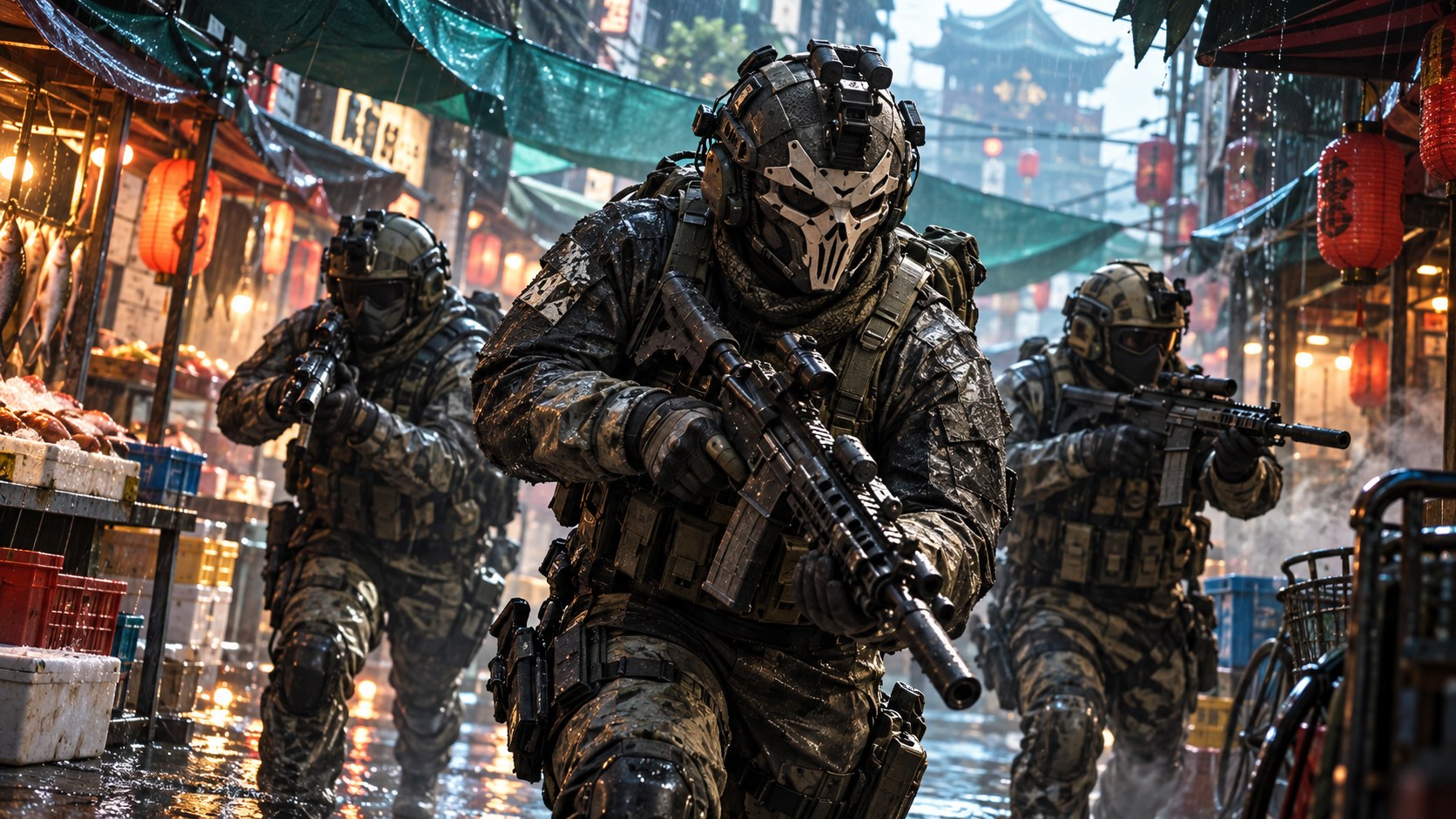
Movement, maps, Warzone, and the short chaotic moments that make the game especially clip-friendly.
Read the article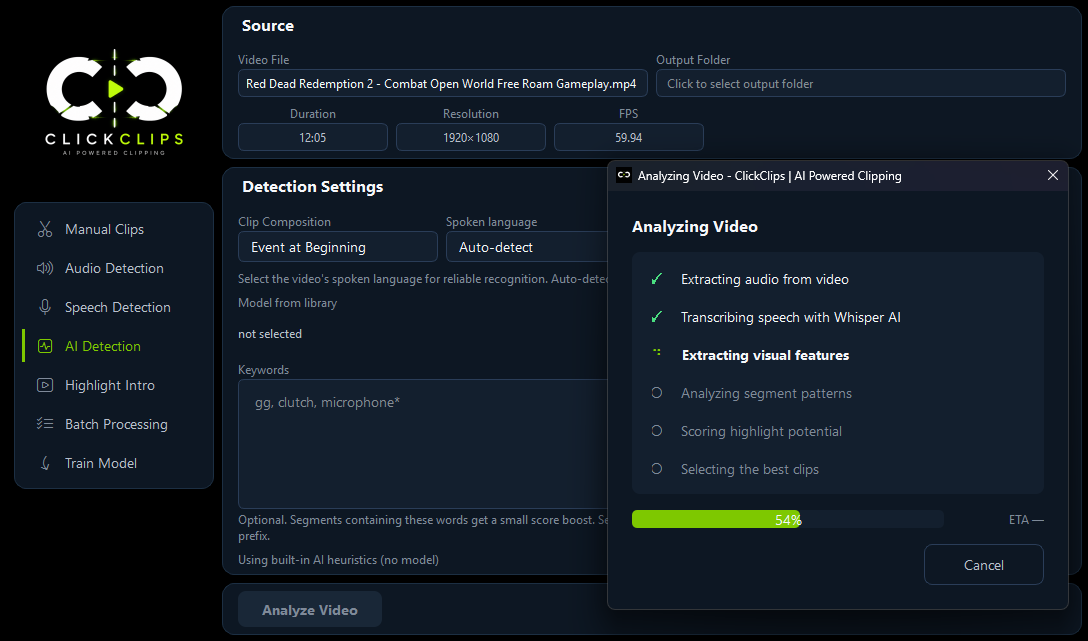
The signals ClickClips scores, why its analysis modes disagree on purpose, and where creator judgment still matters.
See how it works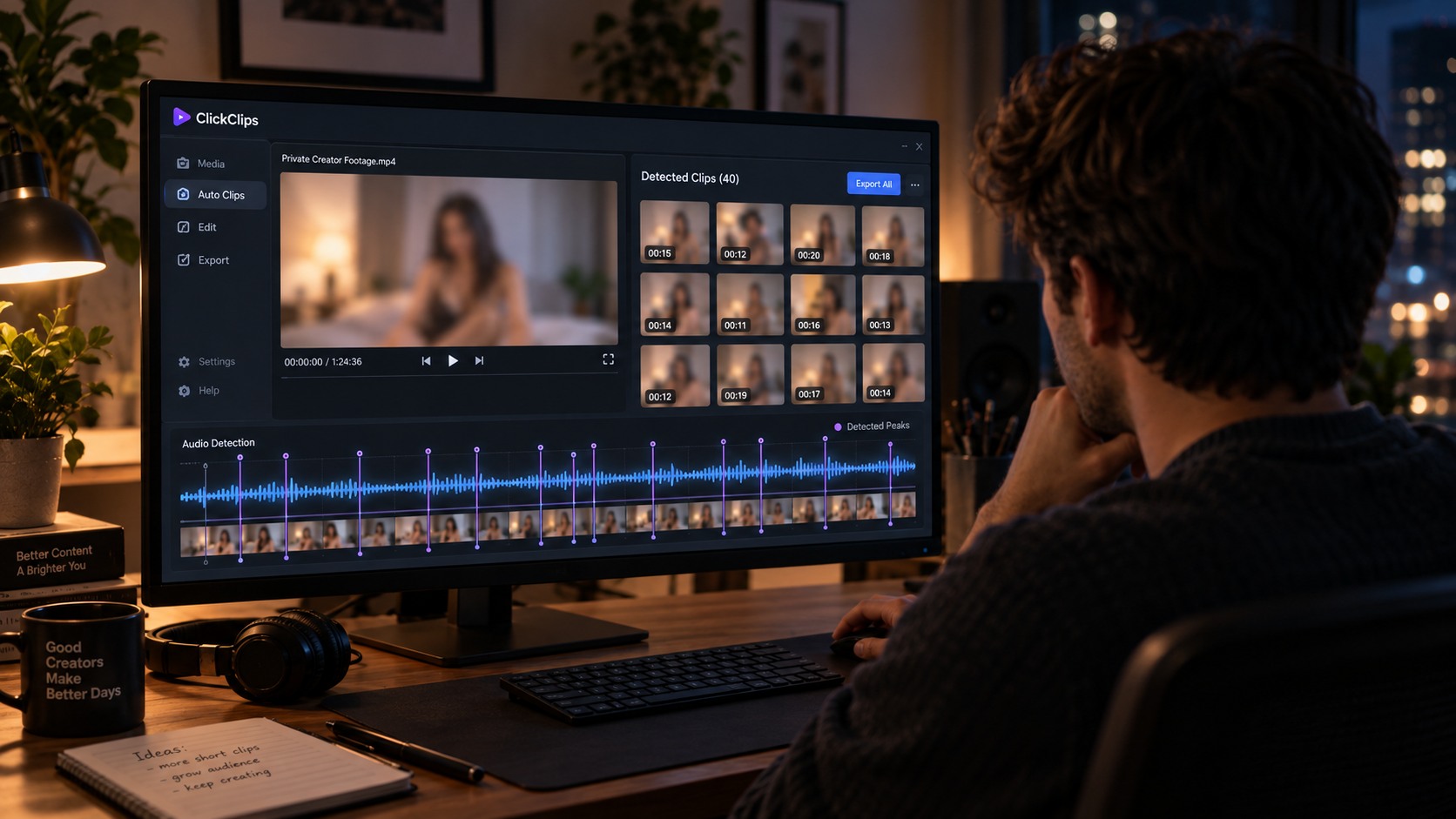
Turn one long recording into promotional clips with local audio detection, private review, and batch export.
Read the guide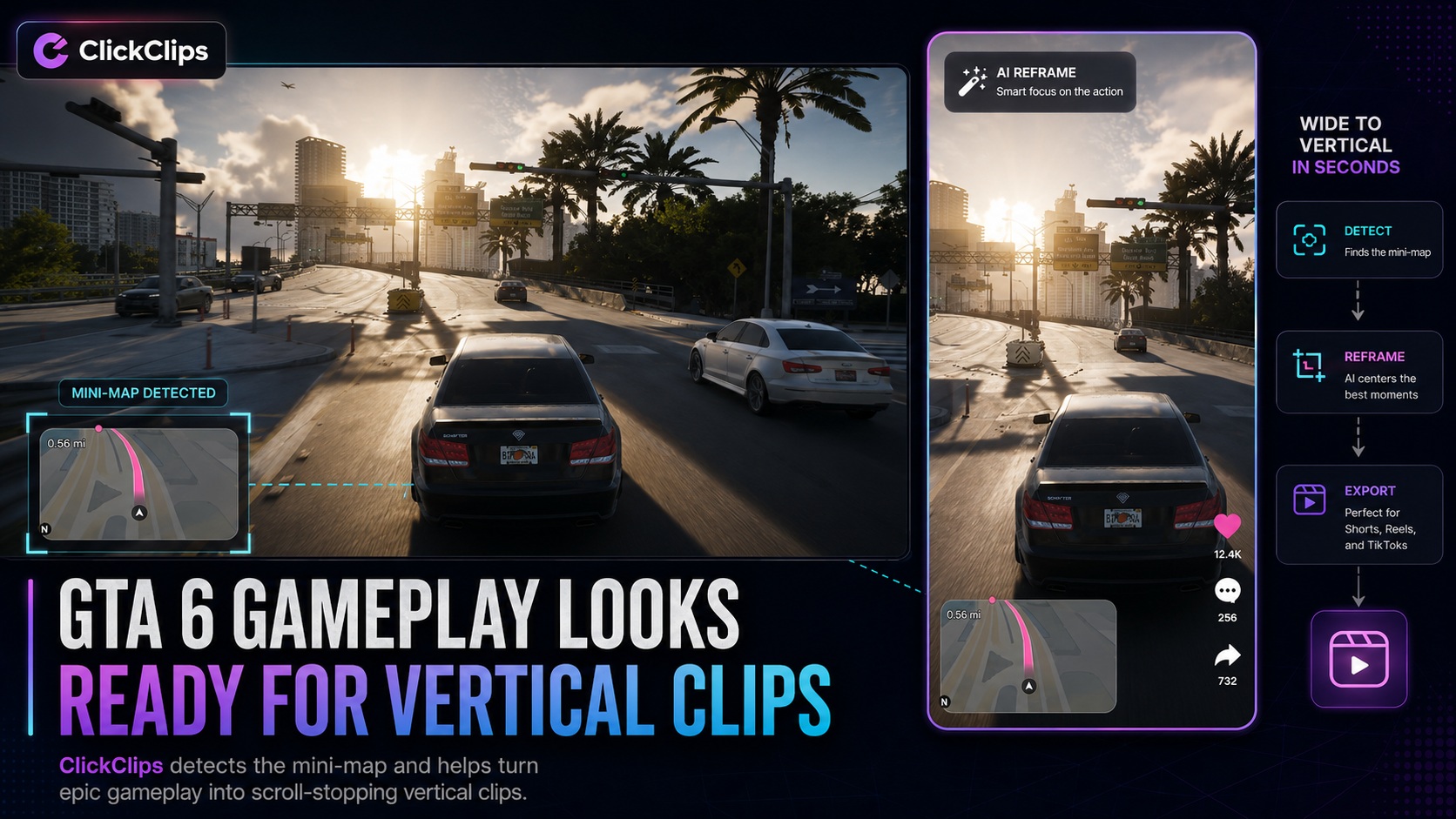
A chase, a stunt, a conversation, or a bug all need different treatment. Here is what is worth automating.
Read the workflow